What Digilog does
Digilog covers the whole chain, from planning to service year after year. Here are a few examples of what the tool does, and a selection of everything else in it.
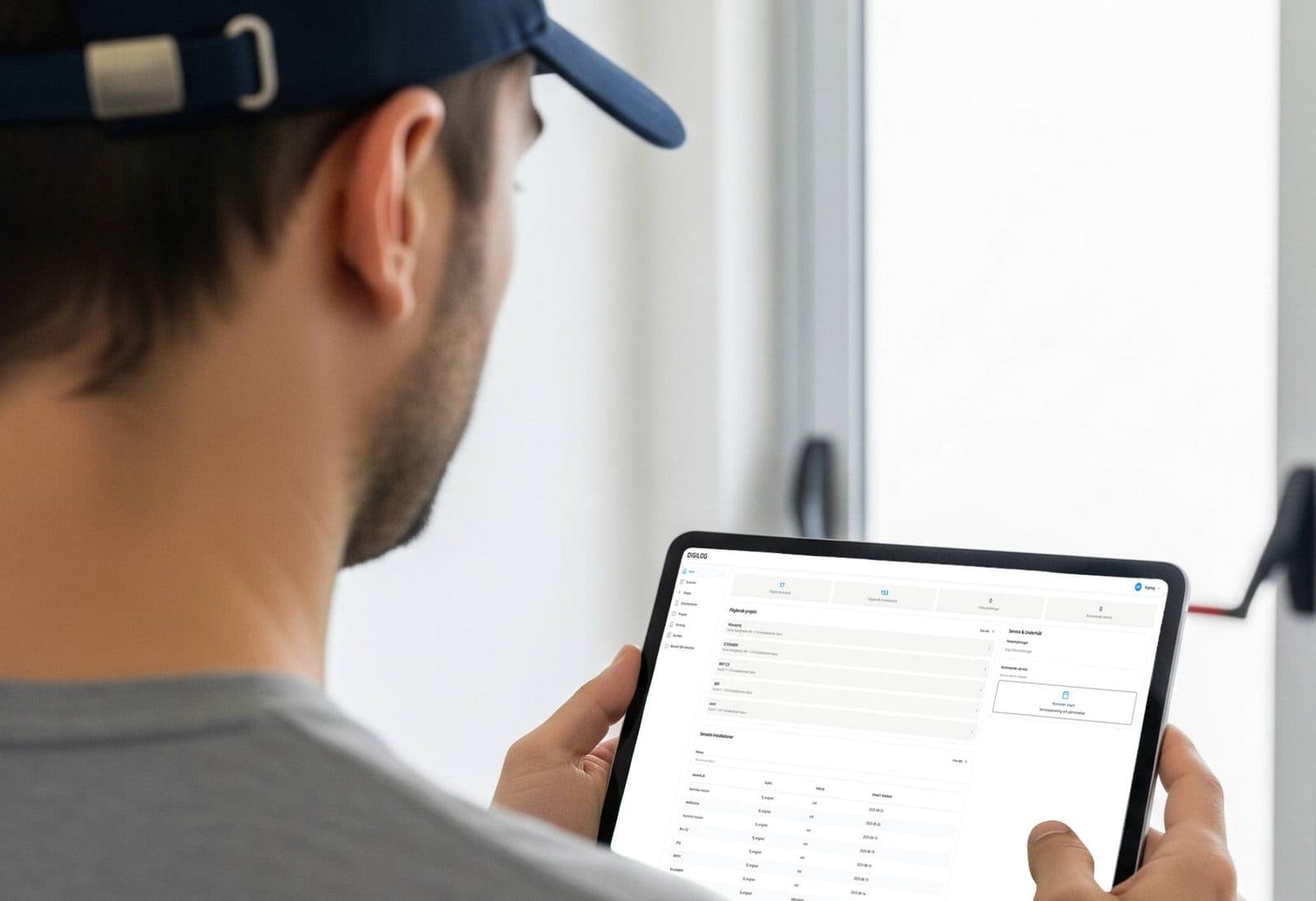
Project and customer management
A project gathers the customer, the address and every installation it covers. You see what is documented, what is left and what is ready to hand over.
The customers stay on afterwards. When service or an addition comes around, the history is already there, tied to the right customer and the right property.
Documentation
A guided flow takes you through the self-check and the CE marking to SS-EN 16005 and the EU Machinery Directive, step by step. The same flow works at the office and on your phone out in the field.
What comes out is the paperwork you need – self-check, risk assessment, EC declaration – ready to sign and hand over. No rework in Word.
Logbook & traceability
Every installation gets a digital logbook. Service rounds, component swaps, faults and fixes land there with the date and who did what.
The customer reaches the logbook through the QR code on the door. No account, no login, no call to you first.
Properties & floor plans
Set up the property with its buildings and floors, and upload floor plans as an image or a PDF. Place the installations on the plan and it is immediately clear where each door sits.
On a service round you open the plan, click the right marker and go straight to the right door. Works just as well on your phone on site.
And a good deal more
A lot of what Digilog does started as something an installer asked for. We love feedback – the goal is an app built around what installers actually want. A selection:
Custom forms
Build a form of your own – a handover checklist, a fire door inspection – and get it as its own step in the documentation.
Photograph the serial number
Snap a picture of the plate with your phone camera and Digilog reads the number for you. Works high up and badly lit too.
Favourite configurations
Mark the installations you build most often as favourites. Next time you start from the favourite and change only what differs.
Import your existing doors
Bring in your current register from a CSV file. Map the columns, review, and import thousands of doors in minutes.
Service agreements
Generate the agreement from the project, send it, and let the customer accept in one click. Nothing to print and scan back in.
Lists that hold up
Search, sort and filter every list, and export to CSV for the spreadsheet or PDF for the customer.
New things land all the time. We write about the big new features under News